
A project that fits you
A business website, portfolio, store or animated experience: first we choose a manageable version of what you actually need.
ONE-TO-ONE LEARNING WITH DEEPAK
Build a real website with Deepak Chandra—from choosing tools and planning the idea to frontend, backend, integrations, GitHub, hosting and handover.
Start Learning With Me
SEE THE PROCESS
Watch the steps, then select one to explore what we work on together.
Turn the idea into a clear project brief, page list and build order.
Illustration only. Uses sample data; no real account, payment or message is triggered.
Sirf prompts nahi—planning se launch tak, har step samajh kar build karo. We work together on one agreed website, with room for your questions throughout. The session is between you and me, not a group class.
A business website, portfolio, store or animated experience: first we choose a manageable version of what you actually need.
Generate one part at a time, inspect the result, test it and refine it before moving forward.
Keep the agreed project and understand its source, connected accounts, deployment and future updates.
THE BUILD ROADMAP
Follow the complete build. Hover over a step to explore it, or tap “Explore step” on mobile.
Compare free and paid builders, AI-assisted coding tools and editors around your project. Understand credits, subscriptions, export options, recurring costs and where the site can be hosted. Buy tools through legitimate providers; choose only what the build needs.
Define the audience, purpose, pages and user journeys. Decide what the frontend should look like, what the backend must do, and what belongs in the first version.
Write a project file with page structure, UI/UX references, features, data model, integrations and acceptance checks. Set the order of work before generating code.
Build responsive layouts, navigation, forms, buttons and content. Use visual references thoughtfully. Describe animation placement, timing, entry, exit and mobile behaviour clearly to the tool.
Choose an appropriate database such as Supabase or Firebase. Learn authentication, data storage, file uploads, access rules and how frontend actions connect to the backend.
Explore payments such as Razorpay, email APIs, Google Sheets, WhatsApp Business workflows and AI APIs where relevant. Understand permissions, provider approval and which credentials belong on the server.
Check real user journeys, failed payments, validation, login, data access and mobile layouts. Review generated code and errors instead of trusting the first output.
Compare the hosting options suitable for the project, including Hostinger or GoDaddy where supported. Connect a custom domain, understand DNS and HTTPS, and check the live build.
Understand GitHub, commits and deployment connections. Compare automatic deployment after a push with manually exporting and uploading a fresh version.
Understand environment variables, public configuration and private secrets. Keep secret API keys out of frontend code and Git history. Review backups, account ownership and the update process.
Your project, handed over ✓| Approach | How updates work | What to check |
|---|---|---|
| Connected tool → GitHub → hosting | Where supported, a pushed change triggers a deployment. | Repository access, branch, build settings, secrets and rollback. |
| Export source → upload or deploy | Change the project, export again, then upload the new build. | Keep a source backup and include the correct build and backend settings. |
Hosting a frontend does not automatically configure its database or private server functions. We connect and test each part separately.
We select integrations for your agreed project; this is not a promise to include every integration in every website. Provider accounts, approvals and charges are separate.
Previous work to explore together. These examples show what I have built; they are not student reviews or promised templates.

Studio website
Page structure, service presentation and responsive navigation.
Explore Mannah Studioz
Open the project to explore the website.
Clinic website
A client-project example: clinic information and appointment journeys.
Explore Divija Homoeo’sOpen the project to explore the website.
Academy website
A client-project example: a dedicated online presence and brand presentation.
Explore FitPhysio Fitness Academy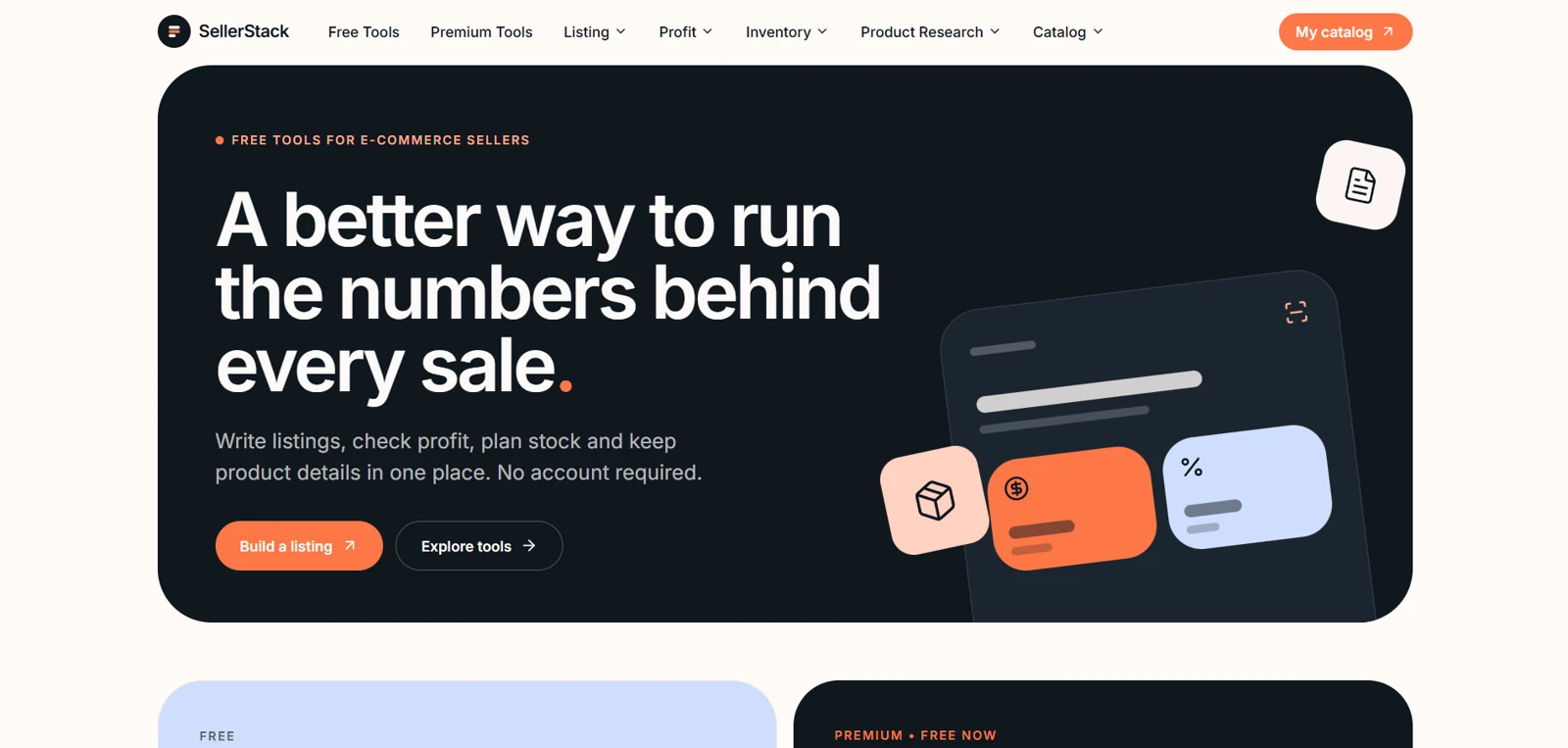
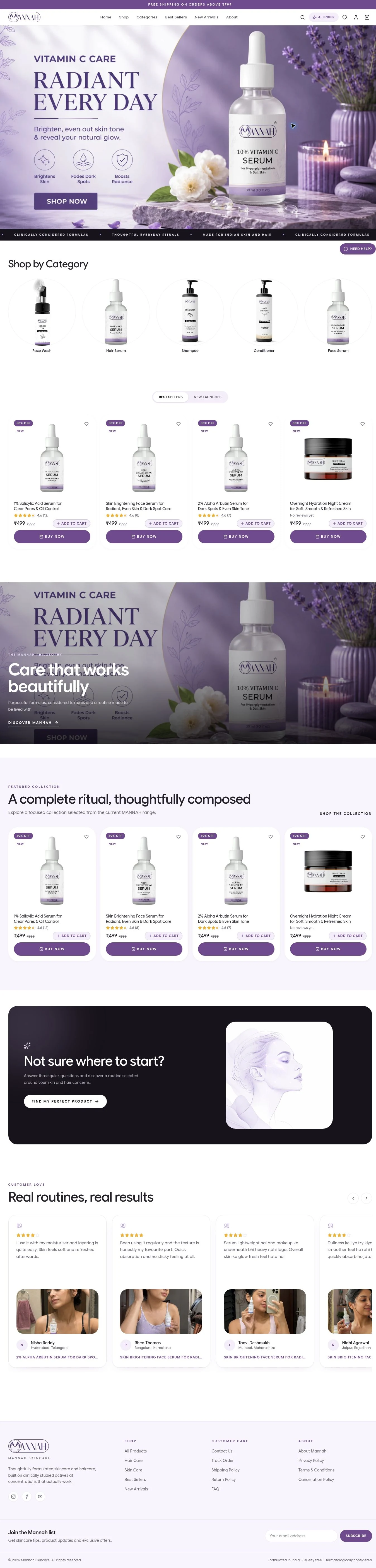
E-commerce website
Explore catalogue presentation, checkout and the connection to store operations.
Explore Mannah SkinCareUnderstand it. Build it.
Understand how a real website is put together and build a practical project you can explain.
Own it. Manage it.
Learn to manage your own site and make routine updates with more confidence. Complex changes may still need specialist help.
Scope it. Deliver it.
Learn to scope a customer project, explain ongoing costs, deliver responsibly and keep improving your skills.
A laptop or desktop, internet connection and willingness to practise are useful. You do not need a finished idea: we can refine one together. The project size, session count, fee, included integrations and any follow-up support are confirmed before booking. Tool credits, hosting, domains and provider fees are discussed separately.
Plan with clarity.
Know what to ask a builder, what to check and what to leave for a later version.
Connect the pieces.
Follow the frontend, database and hosting connections rather than memorising prompts.
Practise the updates.
Walk through source ownership, routine edits, testing and a practical handover.
The interface
References, responsive layouts, navigation and content.
The system
Frontend, login, data, permissions and the chosen integrations.
The live project
GitHub, hosting, domains, environment settings and future updates.
We compare the options before selecting your setup. Accounts, subscriptions, provider approvals and ongoing costs are agreed separately.
Your goal
Tell me your experience, the outcome you want and the tools or accounts you already use.
Your plan
Confirm the project, session plan, fee, provider costs and what the handover will include.
Your build
Work live with me, practise between sessions and test each agreed part before moving on.
You can start as a beginner. We explain the structure as we build, and practise reading and checking the output. A computer and willingness to work through the steps are important.
Yes, we first agree a realistic project scope. A business site, portfolio, store or tool may require different accounts, integrations, session counts and costs.
The agreed project and handover are discussed before booking. We review source access, connected accounts and the deployment process so you know what you own.
Third-party charges are separate unless explicitly included in the agreed scope. We compare suitable options before you purchase anything.
No. They are examples of previous work. Your project is planned around your own goal and the scope agreed with me.
Tell me what you want to build and what you already know. We will agree the project, sessions, deliverables, fee and any tool costs before you book. Learning happens live, one-to-one; WhatsApp is for discussing the next step.
Discuss my learning project